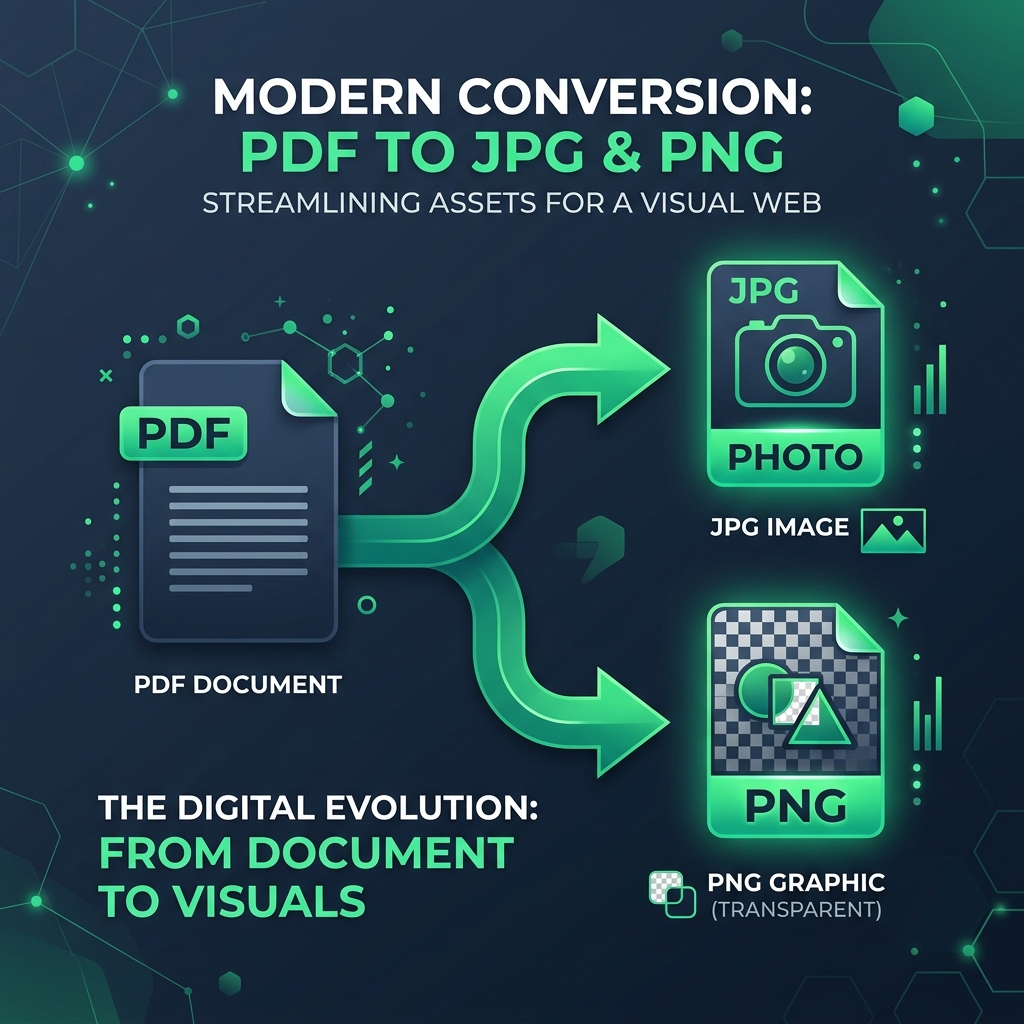
If you've ever needed to convert a PDF into an image, you've probably come across two common options: JPG and PNG. At first glance they seem almost identical—they're both image formats that can display pages from a PDF. But choosing the wrong one can result in blurry text, unnecessarily large files, or images that aren't suitable for your purpose.
In this guide, we'll compare PDF to JPG vs PNG in simple terms so you can decide which format is the right choice for your project.
Whether you're sharing documents online, preparing images for presentations, or preserving graphics, understanding the differences can save both time and storage space.
What Happens When You Convert a PDF to an Image?
A PDF stores documents differently from an image.
Instead of just saving pixels, PDFs can contain:
- Editable text
- Vector graphics
- Images
- Fonts
- Shapes
- Multiple pages
When you convert a PDF into JPG or PNG, each page becomes a separate image. The quality of that image depends on both the output resolution and the image format you choose.
What Is JPG?
JPG (or JPEG) is one of the most widely used image formats on the internet.
It uses lossy compression, which means it reduces file size by permanently removing some image data. This creates much smaller files while maintaining acceptable visual quality for most photographs.
Advantages of JPG
- Small file sizes
- Fast uploads
- Ideal for websites
- Great for sharing by email
- Supported by virtually every device
Disadvantages
- Slight quality loss after compression
- Text can become blurry
- Not suitable for transparent backgrounds
- Repeated editing reduces quality further
What Is PNG?
PNG is a lossless image format.
Unlike JPG, PNG preserves all image data during compression, making it ideal when sharpness and accuracy matter.
PNG is especially popular for:
- Screenshots
- Logos
- Diagrams
- Documents
- UI designs
- Images requiring transparency
Advantages of PNG
- Excellent image quality
- Crisp text
- No compression artifacts
- Supports transparent backgrounds
- Better for graphics
Disadvantages
- Larger file sizes
- Slower uploads
- Uses more storage
PDF to JPG vs PNG: Quick Comparison
| Feature | JPG | PNG |
|---|---|---|
| Image Quality | Good | Excellent |
| Compression | Lossy | Lossless |
| File Size | Small | Large |
| Text Clarity | Moderate | Excellent |
| Transparency | No | Yes |
| Best for Photos | ✅ | ❌ |
| Best for Documents | ⚠️ | ✅ |
| Best for Screenshots | ❌ | ✅ |
| Best for Web Uploads | ✅ | ⚠️ |
When Should You Choose JPG?
JPG is the better option when your priority is smaller file size. You can easily create these using our PDF to JPG converter or optimize them further with our Image Compressor.
Choose JPG if you are:
- Uploading assignments
- Sharing PDFs on WhatsApp
- Sending documents via email
- Posting images on social media
- Saving storage space
- Converting scanned photos
For example, if you're converting a travel brochure with lots of photographs, JPG is usually the better choice.
When Should You Choose PNG?
PNG should be your first choice whenever image clarity matters more than file size.
Use PNG when converting:
- Certificates
- Invoices
- Technical documents
- Engineering drawings
- Graphs
- Infographics
- Presentation slides
- UI mockups
Since PNG preserves every pixel, small text remains easier to read.
Which Format Is Better for Text?
If your PDF mainly contains text, PNG wins.
Here's why: JPG compression often introduces tiny blurry artifacts around letters.
These artifacts may not be noticeable in photographs but become obvious in documents containing:
- Small fonts
- Tables
- Charts
- Code snippets
- Mathematical equations
PNG keeps everything much sharper.
Which Format Is Better for Printing?
For printing, PNG generally provides better quality because it preserves every detail.
However, if you're printing photographs rather than documents, high-quality JPG files usually produce excellent results while requiring much less storage.
Which Format Loads Faster?
JPG files are considerably smaller.
That means:
- Faster downloads
- Faster uploads
- Less bandwidth
- Better website performance
If loading speed matters, JPG is usually the preferred option.
Which Format Is Better for Websites?
It depends on the content.
Choose JPG for:
- Photographs
- Product images
- Travel images
- Blog photos
Choose PNG for:
- Logos
- Icons
- UI elements
- Screenshots
- Transparent graphics
File Size Comparison
Suppose you convert the same PDF page.
Typical file sizes might look like this:
| Format | Approximate Size |
|---|---|
| JPG | 350 KB |
| PNG | 1.8 MB |
The PNG version may look noticeably sharper but can be five times larger.
Does PNG Always Look Better?
Not necessarily.
If the PDF contains:
- Photos
- Magazine pages
- Posters
You may barely notice any visual difference between JPG and PNG.
But if the document contains:
- Text
- Tables
- Diagrams
- Logos
PNG almost always appears cleaner.
Can You Convert Multi-Page PDFs?
Yes.
Most PDF conversion tools export:
- One image per page
- Sequential filenames
- High-resolution output
Whether you choose JPG or PNG, every page becomes a separate image. If you only want to convert a specific section of your document, it is highly recommended to use a Split PDF tool first, or Merge PDF files together before conversion.
Common Mistakes to Avoid
Many users accidentally choose the wrong format.
Here are a few common mistakes:
- Choosing JPG for certificates: Small text becomes less readable.
- Choosing PNG for every photo: The files become unnecessarily large.
- Ignoring image resolution: Even PNG won't look sharp if exported at a very low resolution.
- Compressing JPG multiple times: Every new compression reduces quality further.
Which Format Should You Choose?
The answer depends entirely on your needs.
Choose JPG if you want:
- Smaller files
- Faster sharing
- Better web performance
- Photo-friendly images
Choose PNG if you need:
- Maximum quality
- Sharp text
- Professional documents
- Transparent backgrounds
- Screenshots and graphics
There isn't a universal winner—the best format depends on how you plan to use the converted images.
Final Verdict
When comparing PDF to JPG vs PNG, neither format is objectively better. Instead, each excels in different situations.
If storage space and quick sharing are your priorities, JPG is usually the smarter option.
If preserving every detail is important—especially for text-heavy documents, certificates, or graphics—PNG is the clear winner.
Before converting your next PDF, think about how you'll use the image afterward. Making the right choice from the beginning can help you maintain quality while avoiding unnecessarily large files.
Frequently Asked Questions
Is PNG better than JPG for PDF conversion?
PNG is better for documents containing text, diagrams, screenshots, and graphics because it preserves image quality without compression loss.
Which format has a smaller file size?
JPG typically produces much smaller files than PNG due to lossy compression.
Does converting a PDF to JPG reduce quality?
Yes. JPG uses lossy compression, which may slightly reduce image quality, especially around text and fine details.
Can I convert every page of a PDF into separate JPG or PNG images?
Yes. Most PDF conversion tools create one image for each page in the document.
Which format is best for sharing online?
JPG is generally the better choice because it offers a good balance between image quality and file size.