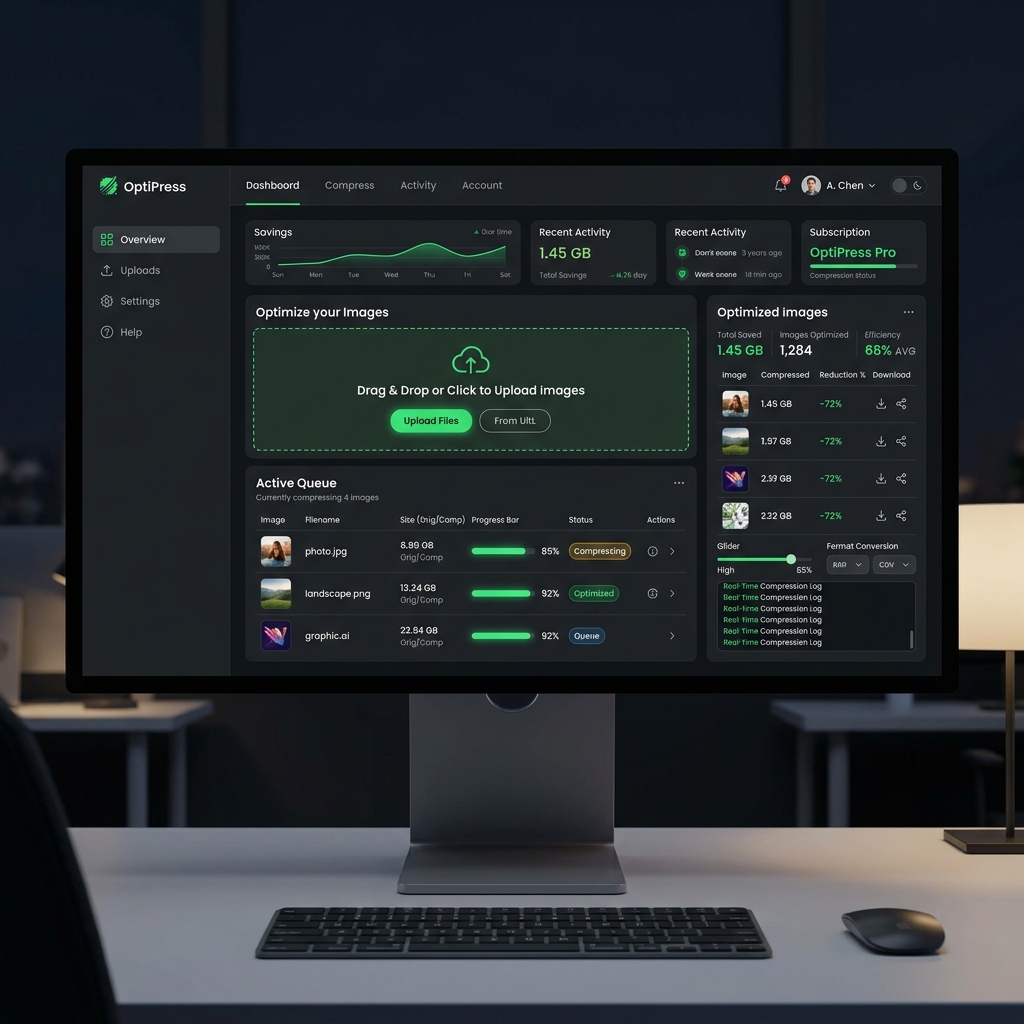
Images are often the heaviest resources on a webpage, drastically slowing down load times if not properly optimized. In 2026, user expectations for blazing-fast websites are higher than ever, and search engines like Google heavily penalize slow pages in their rankings.
Finding the best free image compressor can be a daunting task, especially when many tools lock advanced features behind paywalls or enforce strict daily limits. Today, we're diving deep into why the Vyrobox Image Compressor stands out as the ultimate solution for creators and developers alike.
Why You Must Compress Images
Every kilobyte matters. Here are the core reasons why image compression is non-negotiable:
- Faster Page Loads: Smaller images download faster. According to recent studies, a 1-second delay in page response can result in a 7% reduction in conversions.
- Improved SEO: Google's Core Web Vitals metric directly factors in LCP (Largest Contentful Paint), which is often an image.
- Reduced Bandwidth Costs: Serving smaller files means lower server bandwidth costs and less data usage for your mobile visitors.
Lossy vs. Lossless Compression
When you compress an image, you are choosing between two fundamental methods:
Lossless Compression
Lossless compression reduces file size by removing unnecessary metadata and optimizing the internal structure of the file without discarding any visual data. The decoded image is identical to the original.
- Pros: Perfect quality retention.
- Cons: Minimal file size reduction (usually 5% to 20%).
Lossy Compression
Lossy compression actively discards visual information that the human eye struggles to perceive. This allows for massive reductions in file size.
- Pros: Enormous file size reduction (up to 90%).
- Cons: If pushed too far, artifacts (blockiness and blurring) become visible.
How the Vyrobox Image Compressor Works
Unlike traditional server-side tools that force you to upload your precious files to an unknown server, the Vyrobox Image Compressor processes everything locally in your browser.
This provides three massive advantages:
- Instant Speed: No waiting for uploads or downloads.
- Maximum Privacy: Your files never leave your computer.
- Zero Limits: Without server costs on our end, we don't need to limit how many images you process.
// Example of how client-side compression is typically achieved
const compressImage = async (file, quality = 0.8) => {
  const bitmap = await createImageBitmap(file);
  const canvas = document.createElement('canvas');
  canvas.width = bitmap.width;
  canvas.height = bitmap.height;

  const ctx = canvas.getContext('2d');
  ctx.drawImage(bitmap, 0, 0);

  return new Promise((resolve) => {
    canvas.toBlob((blob) => resolve(blob), 'image/jpeg', quality);
  });
};
Conclusion
In 2026, there is no excuse for serving unoptimized images. With free, private, and unlimited tools like Vyrobox available directly in your browser, optimizing your web assets takes only seconds.
Start optimizing today and watch your Core Web Vitals soar!